Setup, Compatibility & Care
Setup
- Placement: Ensure the TV is placed on a stable surface or mounted securely.
- Connections: Connect your devices via HDMI, USB, or other available ports.
- Power On: Plug in the TV and turn it on.
- Initial Setup: Follow the on-screen prompts to set up your Google account and network connection.
Compatibility
The Sony BRAVIA 5 is compatible with various devices including:
- Gaming consoles (PlayStation, Xbox, etc.)
- Blu-ray players
- Streaming devices (Apple TV, Roku, etc.)
- Soundbars
Care
- Cleaning: Use a soft, dry cloth to clean the screen. Avoid using liquids or harsh chemicals.
- Ventilation: Ensure proper ventilation around the TV to prevent overheating.
- Updates: Keep the TV's software updated for optimal performance and access to the latest features. The TV will prompt you when updates are available.

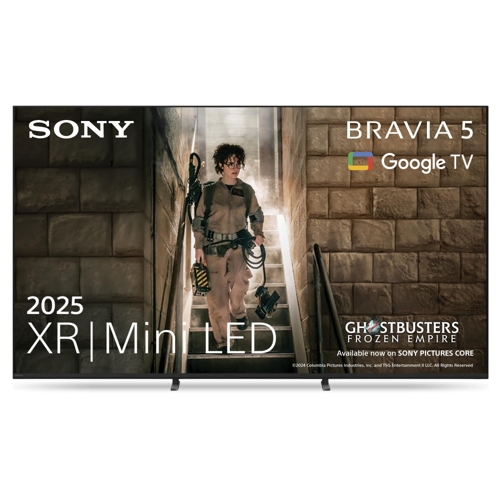
 Sony£1,099.00Visit shop
  Hughes£1,299.00Visit shop


