Setup, Compatibility & Care
Setup
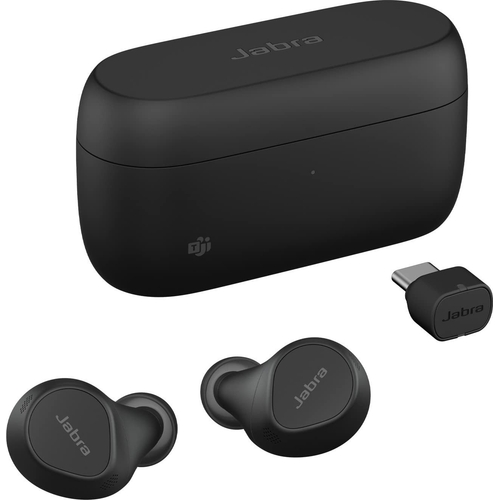
- Charging: Charge the earbuds using the provided USB-C cable or a wireless charger. The charging case has LED indicators to show the charging status.
- Pairing: Open the charging case to initiate pairing mode. Select the Jabra Evolve2 Buds in your device's Bluetooth settings.
- USB-C Adapter: Plug the included USB-C adapter into your laptop for a more stable and reliable connection.
- Jabra Sound+ App: Download the Jabra Sound+ app for personalized settings, firmware updates, and feature customization.
Compatibility
The Jabra Evolve2 Buds are compatible with:
- Bluetooth Devices: Smartphones, tablets, and laptops with Bluetooth 5.2 or later.
- Operating Systems: Windows, macOS, iOS, and Android.
- Software: Microsoft Teams, Zoom, Google Meet, and other communication platforms.
Care
- Cleaning: Use a soft, damp cloth to clean the earbuds and charging case. Avoid using harsh chemicals.
- Storage: Store the earbuds in the charging case when not in use.
- Water Resistance: The earbuds are IP57-rated, providing protection against dust and water. However, avoid submerging them in water.
- Eartips: Replace the silicone eartips regularly to maintain hygiene and ensure a proper fit.



 Refresh Cartridges£205.37Visit shop
 B&Q£229.69Visit shop
 Amazon£237.88Visit shop


