Setup, Compatibility & Care
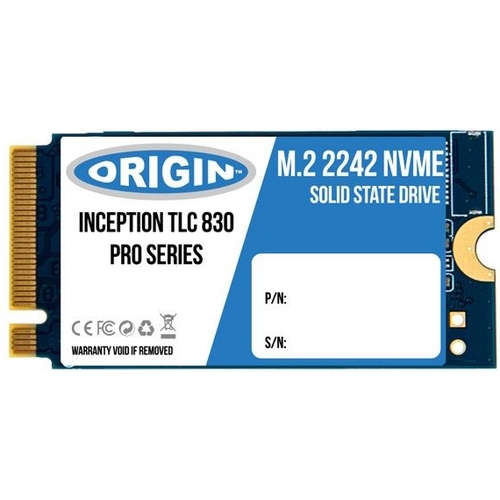
To ensure a successful installation, confirm that your host device has an M.2 slot that supports NVMe protocol and the specific 42mm length.
- Preparation: Always power down your device and disconnect from any power sources.
- Installation: Open your chassis, locate the M.2 slot, insert the drive at a 30-degree angle, and secure it with the appropriate retaining screw.
- Initialization: Upon first boot, you may need to enter the BIOS or Disk Management utility to initialize the drive and format it for your specific operating system.
- Maintenance: Periodically check for available firmware updates provided by Origin Storage to keep the drive performing at its peak. Avoid obstructing airflow around the drive, as high-performance SSDs generate heat during extended write operations.

 eBay£59.99Visit shop
  Frasers£159.00Visit shop


