Setup, Compatibility & Care
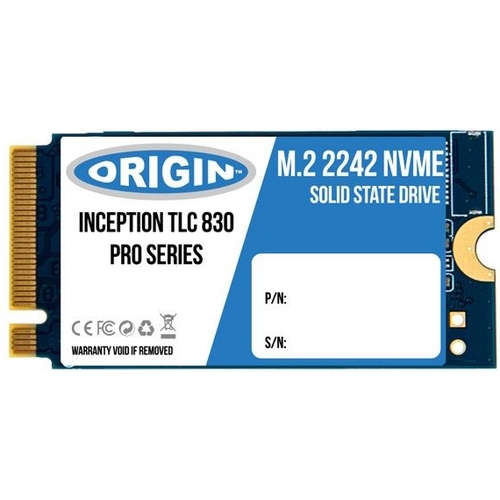
To ensure a successful installation, confirm that your motherboard or laptop supports an M.2 NVMe interface and specifically accommodates the 42mm length.
- Power Off: Completely shut down your device and disconnect all power sources.
- Grounding: Ensure you are properly grounded to prevent electrostatic discharge when handling the drive.
- Insertion: Locate the M.2 slot, gently insert the drive at a 30-degree angle, and secure it with the provided mounting screw.
- OS Recognition: Enter the system BIOS/UEFI to verify the drive is detected before booting into your operating system.
- Maintenance: Regularly update your system's NVMe drivers via the manufacturer's support website to maintain peak performance and data integrity.

 PCHUB.UK£72.14Visit shop
  Frasers£159.00Visit shop


