Setup, Compatibility & Care
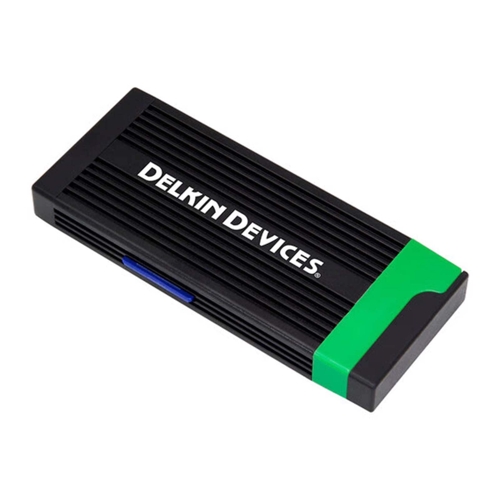
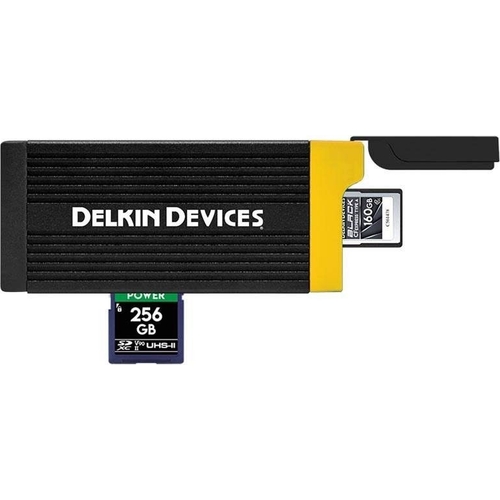
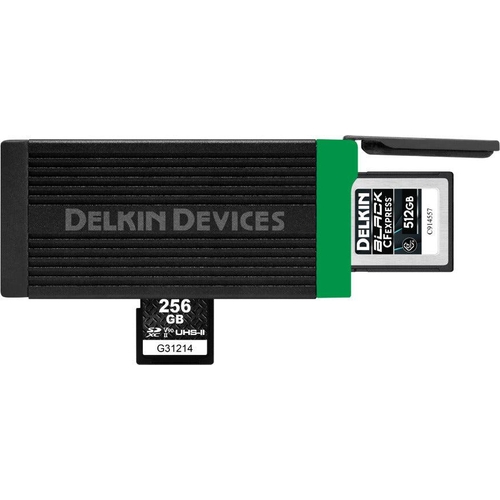
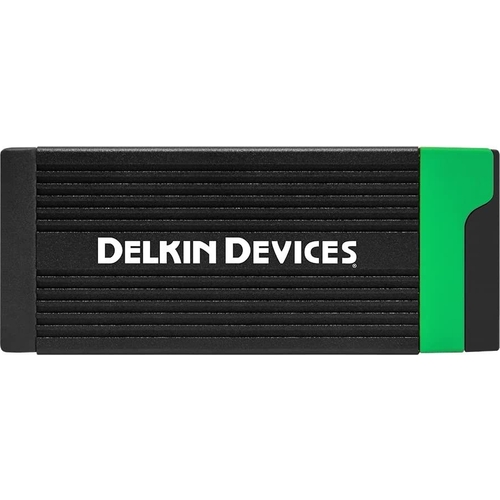
Setup: The Delkin USB 3.2 card reader is a plug-and-play device. Connect the included USB Type-C cable to the reader and then to a compatible USB 3.2 Type-C port on your computer or laptop. Your operating system should automatically detect the reader and its card slots.
Compatibility:
- Operating Systems: Compatible with Windows, macOS, and Linux.
- Card Types: CFexpress Type-B, SDXC UHS-II.
- Interface: Requires a USB 3.2 Gen 1 (5 Gb/s) or USB 3.2 Gen 2 (10 Gb/s) port for optimal performance. It is backward compatible with USB 3.0 and USB 2.0 ports, but at reduced speeds.
Care:
- Keep the reader and its ports clean and free of dust and debris. Use compressed air to clear any dust buildup.
- Avoid exposing the reader to extreme temperatures or moisture.
- Use the provided USB cable or a certified USB 3.2 Type-C cable for best results.
- Safely eject memory cards from your operating system before physically removing them from the reader to prevent data corruption.

 Wex Photo Video£74.00Visit shop


